
Property visuals
Property visuals for real estate.
Create a furnished view from a property photo. Review it before you publish.
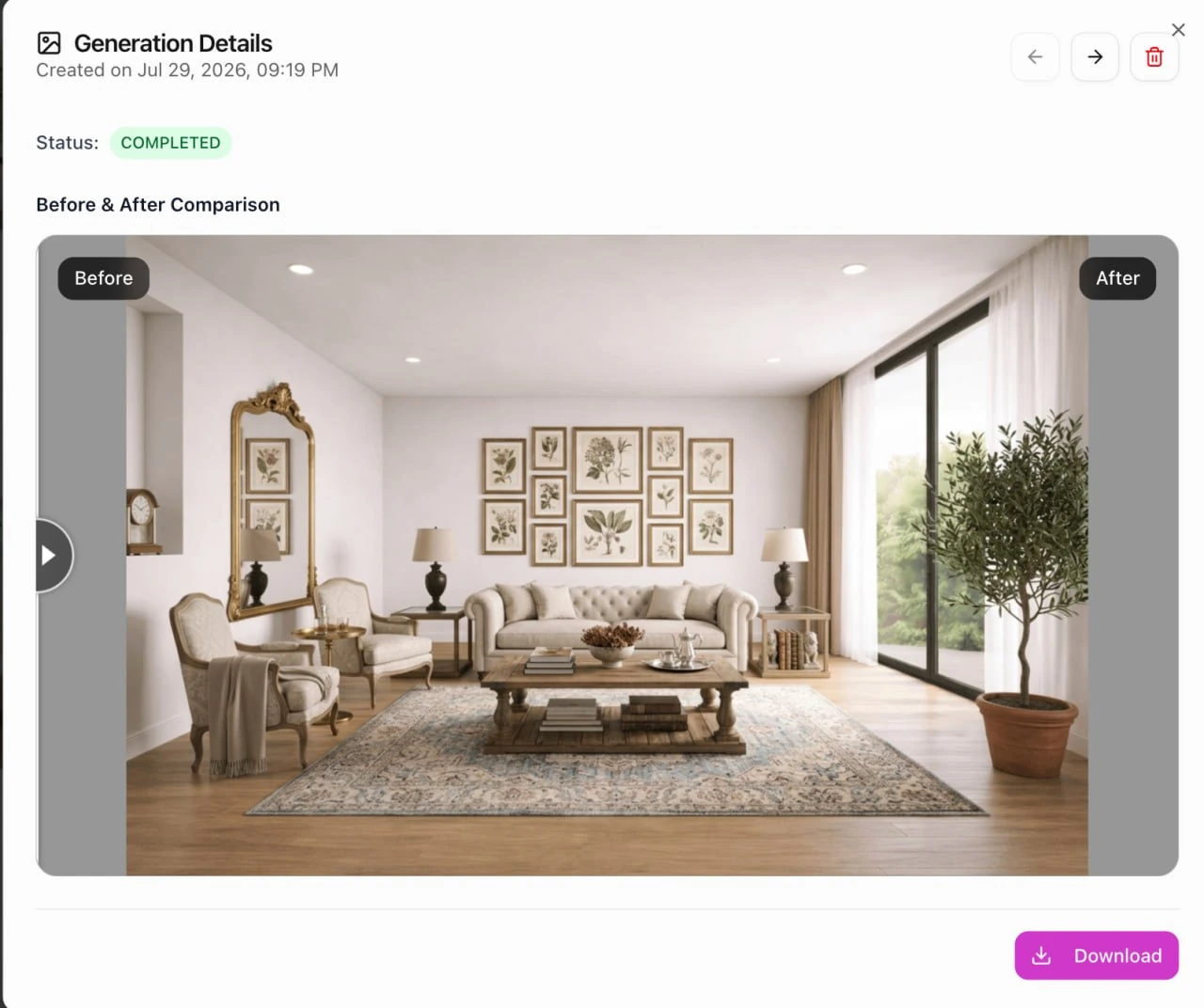
Customer journey
From empty room to listing review.
A property team uploads a room photo. Youzu creates a furnished view and keeps the original image for review.
Step 1
Upload a property photo.
Step 2
Create a furnished room view.
Step 3
Compare the original and new image.
Step 4
Approve the image for the listing.
Product video
Room Fill demo
See an empty room become a furnished visual for review.
Step 2
Check the original room.
Compare the empty room with the furnished view before you add it to a listing.
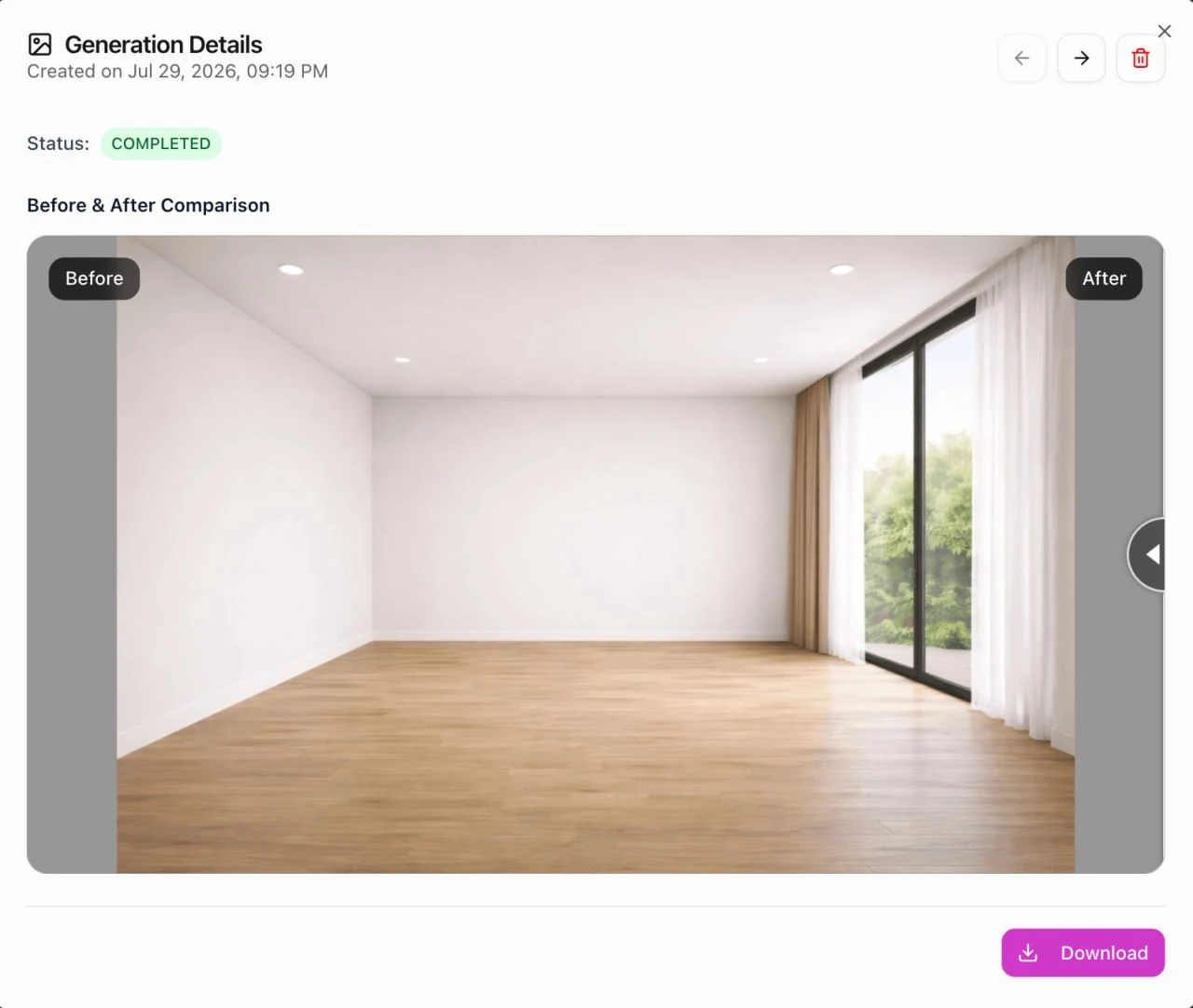
Room Intelligence demo: original empty room
Open generation historyResources
See the supporting product story.
Start with your criteria
Bring the difficult records and the workflow your team needs to govern.
We can scope a representative evaluation around the records, policy decisions, or visual journey that matter to your operation.
Talk to a solution specialist