
Discover
Demo: shop the whole look
This 12-second animation shows Shop the Look from Youzu: several items detected in one photo, each matched to products in an assortment.
Transcript
- Shop the Look. Shop the whole look. (Visual: A drawn flat-lay look slides in, an olive jacket, navy trousers and white sneakers, with numbered dots 1, 2 and 3.)
- Find each item in the photo. (Visual: A ring marks each dot in turn, and a ribbon runs from each dot to an empty group with the same number.)
- Match each one to your products. (Visual: Each group fills with 3 product cards, each with a picture and a plain name and no price: olive, sand and grey jackets; navy, stone and cream trousers; white, tan and black sneakers.)
- Open the product from the look. (Visual: One card in each group is marked Selected: the olive jacket, the navy trousers and the white sneakers from the look.)
- See it with your catalog. Book a demo. (Visual: End card: a white card with a short gradient rule, the line, a Book a demo button and the Youzu logo.)
What the film shows
Key points
- See several items in one photo found and numbered, each with its own group of products.
- Match each item to products in your assortment, shown with a picture and a plain name.
- Check the product from the look: one card in each group is marked Selected.
Go further
The product this film shows, and where to read more.
- ProductShop the LookDetect several items in a photo and match each one to products in your assortment, so one inspiration image leads shoppers to the products in it.
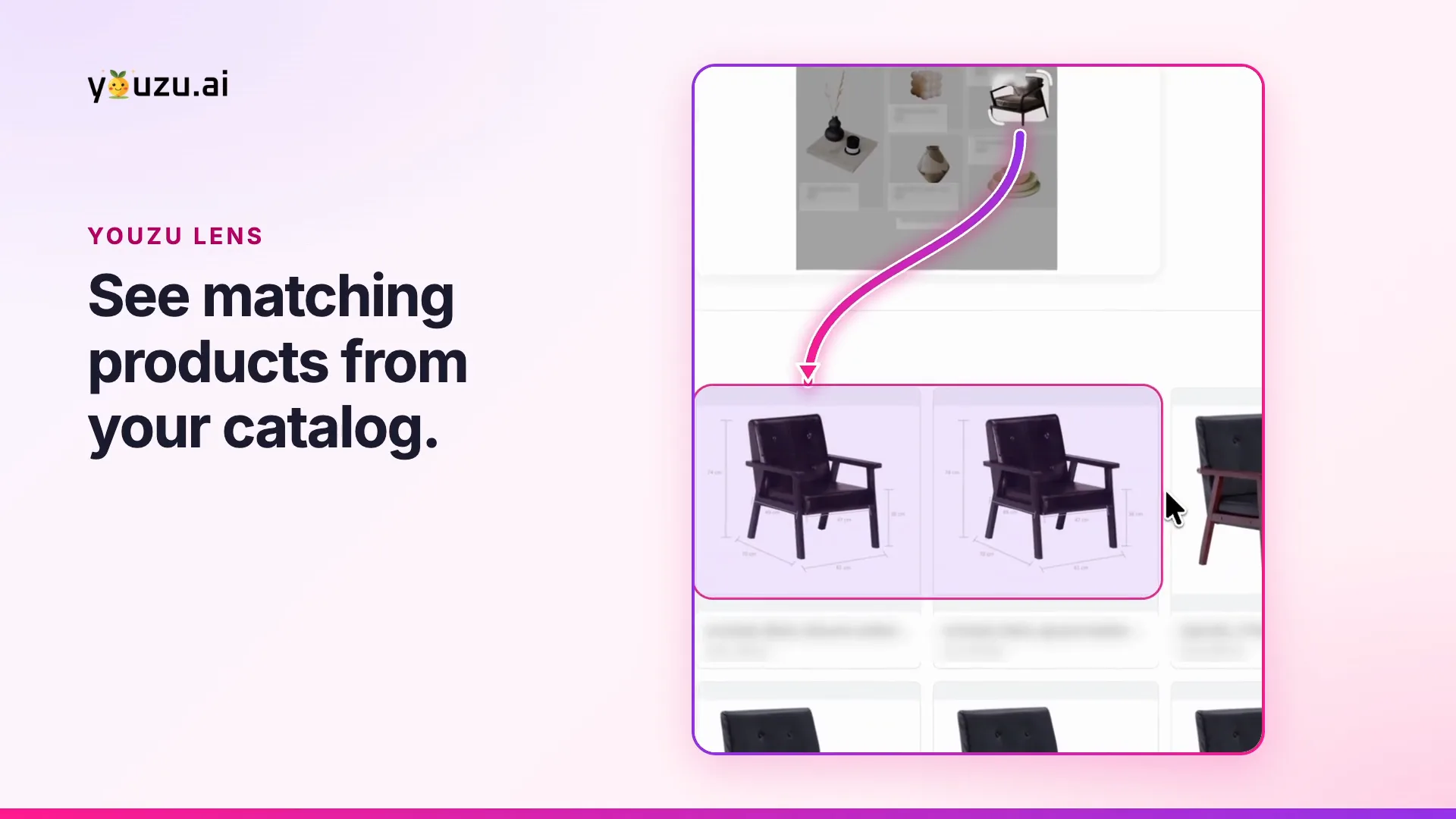
- ProductYouzu LensYouzu Lens lets shoppers search your catalog with a photo, an image URL or an object detected in a photo; matches can be exact, similar or broad.
- DocumentationAPI referenceThe documented REST API, including object detection. (on docs.youzu.ai)
More product films
Next step
Automate Commerce. Make shopping personal.
Bring your catalog, listing flow or shopping idea. Let's find the right place to start.
Book a demo
Tell us about your catalog and we will get back to you.