
Product Media
Magic Background: new scenes from existing packshots.
Youzu Magic Background removes a product's background or replaces it with a supplied image or a prompted scene. It works from the product images you already have, so a studio packshot can become a new scene.


Key points
- Use Magic Background to remove a product's background or replace it with an image, a preset or a prompted scene.
- Start from the product images you already have.
- Compare each result with the source photo: shape, color, pattern and branding.
- Match the setting to the destination: a plain studio background or a lifestyle scene.
How it works
Step 1: Start from a packshot.
Use the product images you already have.
Step 2: Choose the background.
Remove it, or replace it with a supplied image, a preset or a prompted scene.
Step 3: Check the details.
Compare shape, color, pattern and branding with the source photo.
Step 4: Use the result.
Use accepted images where they fit; delivery into your content system is part of the integration scope.
See it in the product
A new setting for your product images.
Create or remove backgrounds for product images, then compare the before and after.
Same product, new background.
Choose a background or another example to compare the images.

- Studio: the product on a plain background.
- Lifestyle: the same product in a generated scene.The throw and the floor cushion are props from the scene, not part of the product.

Check the details
- Shape
- Color
- Pattern
- Branding and logos
- Reflective and transparent surfaces
Read as text
Choose a background, then check it
This time, check each result against its source photo.
Choose a background mode, then check the result against the source photo.
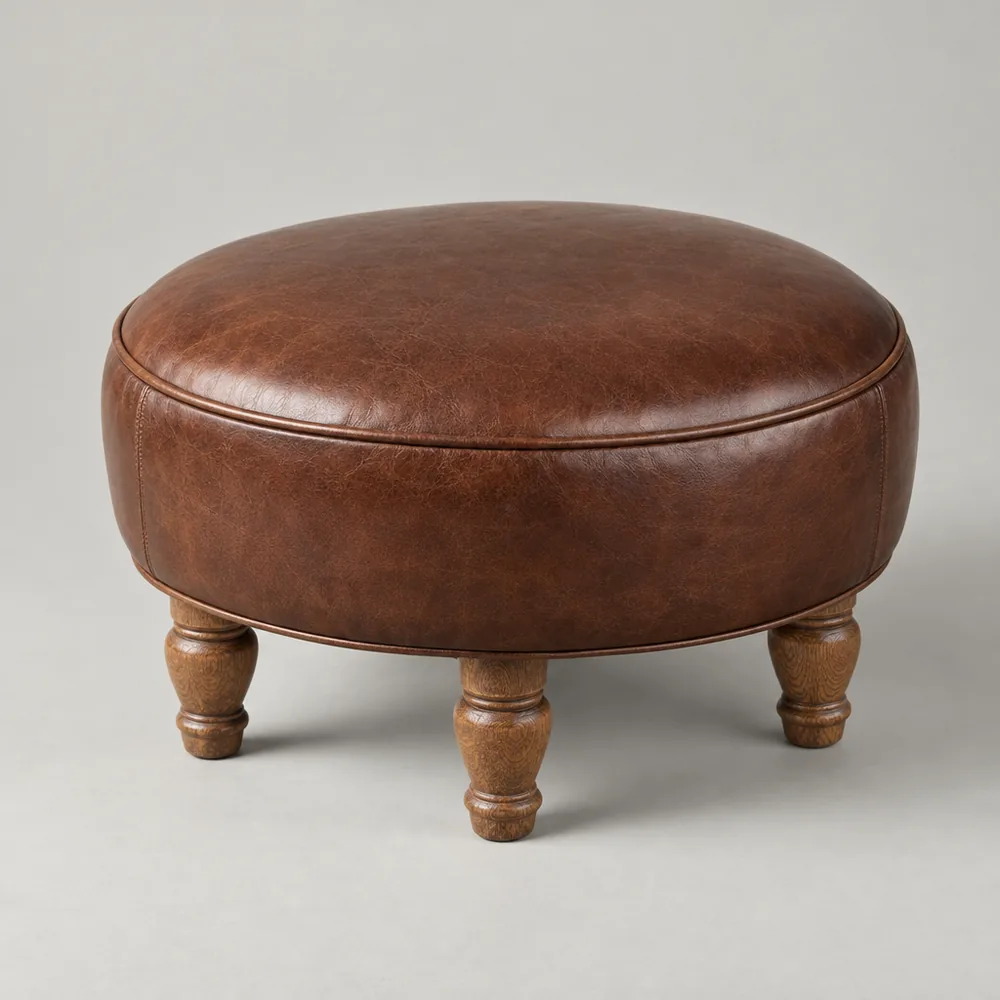
Turn on Check against the source to review this result.
Product films
Recording of the Youzu platform. It shows the 3D viewer and Magic Background on an example catalog; the 3D viewer on this website is separate.
Transcript
- Product Media. Give your products another angle. (Visual: A chair turns in the 3D viewer as the view moves closer.)
- Turn product photos into 3D models. (Visual: The chair is seen from the side and close up, then a second, upholstered chair turns in the same viewer.)
- Replace a product's background. (Visual: A before and after slider shows a sofa on a plain white background and the same sofa in a furnished living room.)
- Put the product in a new scene. (Visual: The same slider on a red cordless power tool, on white and then on a workshop bench, with brand marks blurred.)
- Rotate the model to inspect it. (Visual: The upholstered chair is rotated and brought close to show the fabric and the back.)
- See it with your catalog. Book a demo. (Visual: End card: a white card with a short gradient rule, the line, a Book a demo button and the Youzu logo.)
Related
See the documentation for authentication and request formats.
Questions buyers ask
Yes. Magic Background removes a product's background or replaces it with a supplied image, a preset or a prompted scene. Removal and replacement are separate uses, so start with the one your team needs first, and review the result against the source photo.
Not guaranteed. Detection and segmentation keep the product separate from the new background, but results should always be reviewed against the source photo. Check shape, color, pattern and branding, and take extra care with fine patterns, reflective surfaces and transparent materials.
Start with the product images you already have, using the actual item you plan to sell or promote. The source image should make the product's defining details visible, from a chair's legs to a bottle's label, so you can compare the result with it.
Compare it against your current photography cost. Youzu does not publish a savings figure or a promise about product fidelity. Run a sample of your own product images, review the results against the source photos and decide where the output fits.
You do not need a pre-built connector: send files or call the API. Youzu works alongside your PIM, ERP, search and storefront, and those systems stay authoritative for their own data. How accepted images reach your content system is part of the integration scope.