
Catalog Intelligence
Demo: from supplier data to a finished product page
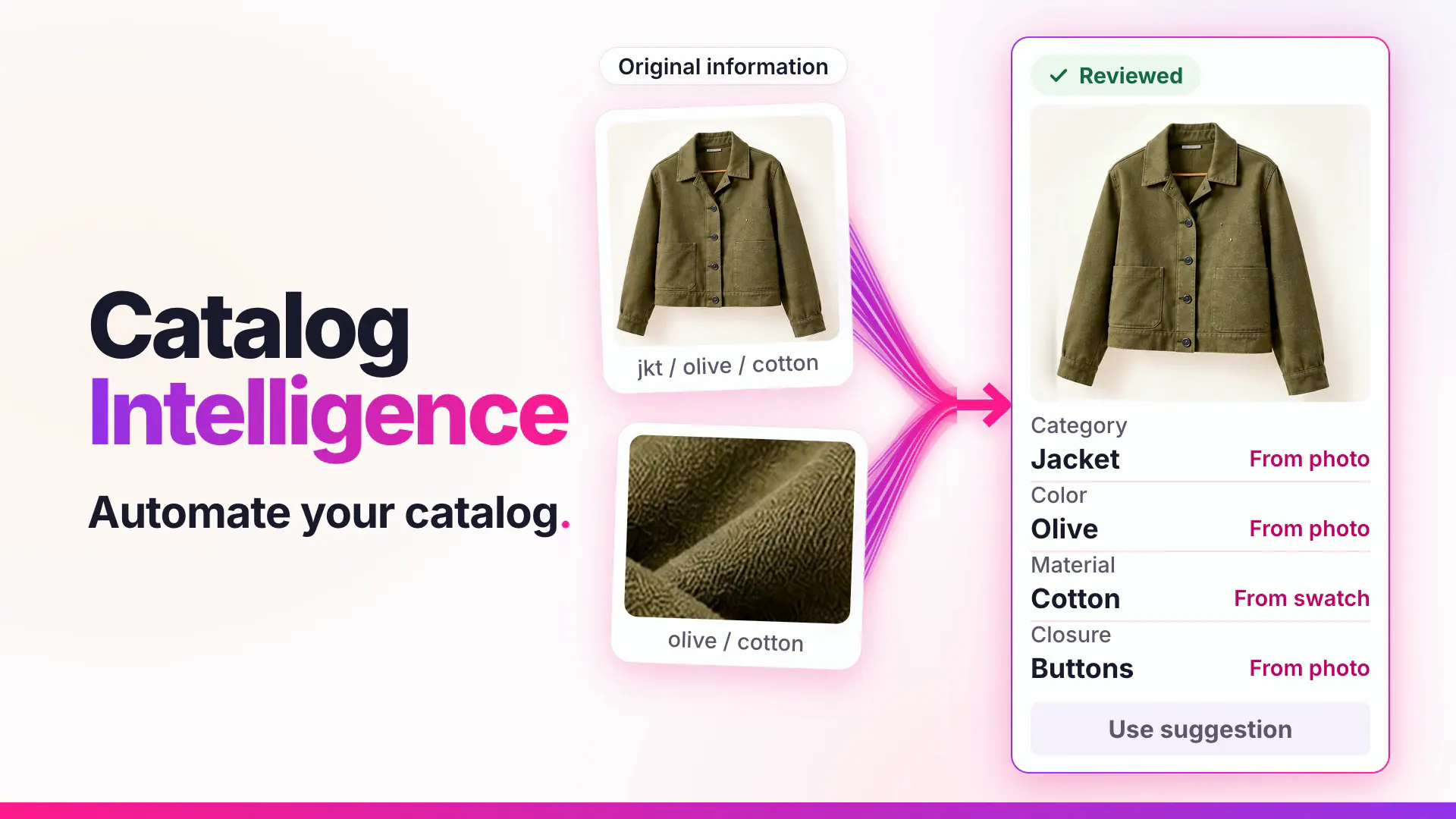
This 22-second recording of the Youzu Platform follows one supplier record through Catalog Intelligence: the source information, the specifications filled in from it, the variants kept connected and titles and descriptions shown in more than one language.
Recording of the Youzu platform. It shows Catalog Intelligence on an example catalog; names, prices and identifiers are blurred.
Transcript
- From supplier data to a finished product page. (Visual: Under a Catalog Intelligence eyebrow, a source information panel slides in beside a product page and shows the supplier's original name, description and attributes.)
- Start with what the supplier sent. (Visual: The supplier's original name is ringed, with the cue Supplier's original name and an Original information chip.)
- Details follow your category. (Visual: The specifications grid shows separate fields such as product type, size, color and sleeve length, with the cue Attributes by category and a Suggested details chip.)
- Variants stay connected to one product. (Visual: Variant chips switch the product photo between 3 colors, with the cue Photo follows the variant and a Your listing chip.)
- Add languages to titles and descriptions. (Visual: The language selector switches a track jacket page from English to Arabic and then German; the title, breadcrumbs and description change.)
- See it with your catalog. Book a demo. (Visual: End card: a white card with a short gradient rule, the line, a Book a demo button and the Youzu logo.)
What the film shows
Key points
- Start with what the supplier sent: the original name, description and attributes stay in view.
- Fill the attributes your category defines as separate fields, and keep variants connected to one product.
- See titles and descriptions in more than one language on the same product page.
Go further
The product this film shows, and where to read more.
- ProductProduct enrichmentYouzu fills the attributes your categories define from text and images, localizes titles and descriptions and leaves a field empty when evidence is thin.
- ProductVariants and familiesKeep products, variants and seller offers as separate records: sizes and colors are variants, and listings stay separate unless shown to be the same.
- GuideProduct data enrichmentProduct data enrichment defined in plain words, with a worked example, common mistakes and links to the guides and Youzu products that apply it.
- DocumentationProduct management, variants and offersHow products, variants and seller offers are kept as separate records. (on docs.youzu.ai)
More product films

Next step
Automate Commerce. Make shopping personal.
Bring your catalog, listing flow or shopping idea. Let's find the right place to start.
Book a demo
Tell us about your catalog and we will get back to you.