
E-commerce and D2C brands
Clear product data for e-commerce and D2C brands.
Youzu maps your products to your category tree, extracts the attributes each category defines and can generate and localize titles and descriptions. For e-commerce and D2C brands that sell from their own catalog, Youzu keeps color and size variants together under one product, and Youzu Lens lets shoppers search that catalog with a photo.
Your own pages carry the sale. Youzu prepares your product data, keeps color and size variants together and lets shoppers search your catalog with a photo.
Problems
3 problems you may recognize
The product page says little beyond the name.
Titles and descriptions were written once, for one market, and attributes sit in free text, so filters and search on your store have little to work with.
Shoppers can picture it but cannot name it.
They saw the product in a photo and cannot say what it is called, so text search on your store returns nothing close.
Each color of a shirt is its own page.
Colors and sizes arrive as separate products, so a shopper who wants another color lands on a different page and never sees the family as one product.
How it works
From a short product row to a finished record.
Your catalog is the source. Youzu prepares one reviewable record per product and keeps its variants together.
Step 1 of 4: Bring in your product data
Bring in your product data
Send CSV, JSON or XML, call the API or upload in the dashboard. Changed records can be re-sent at any time.
Step 2 of 4: Fill category and attributes
Fill category and attributes
Your category tree decides which attributes each product needs. Numbers and yes/no values stay typed; unsupported fields stay empty.
Step 3 of 4: Write titles and descriptions
Write titles and descriptions
Titles and descriptions can be generated and localized, and enrichment can be reviewed before it is accepted.
Step 4 of 4: Keep the variant family
Keep the variant family
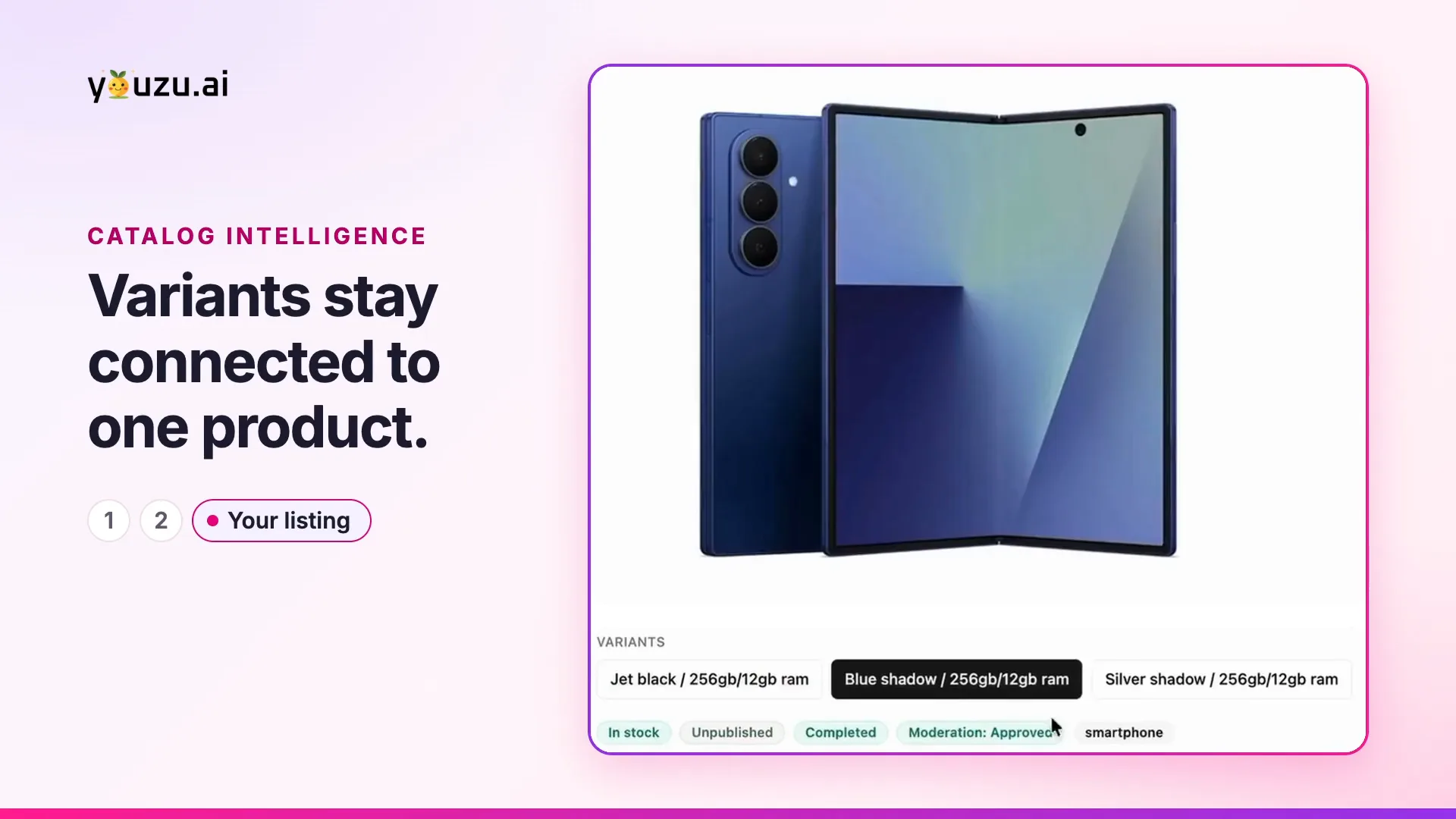
Color and size variants stay connected to one product, so a shopper who picks a color stays on the right product.
Clear specs. Easier choices.
The mug's row as your catalog received it
MUG-SG-01 mug sage 350mlStep 4 of 4: finished record, one variant family
- Product
- Stoneware mug
- Glazes
- Sage, Sand, Charcoal
- This variant
- MUG-SG-01
- Offers
- Each seller's offer, its own record
Products, variants and seller offers are separate records.
Read as text
Start with
Start with 3 capabilities
Product enrichment
Fill the attributes your categories define
Fill category attributes and generate localized titles and descriptions; leave the rest empty.
Youzu Lens
Search your catalog with a photo
Let shoppers search your catalog with a photo.
Magic Background
Replace product backgrounds
Remove a product photo's background or replace it with a new scene.
Follow one product record.
Try it: review the flagged capacity.
Original information
A sparse product row
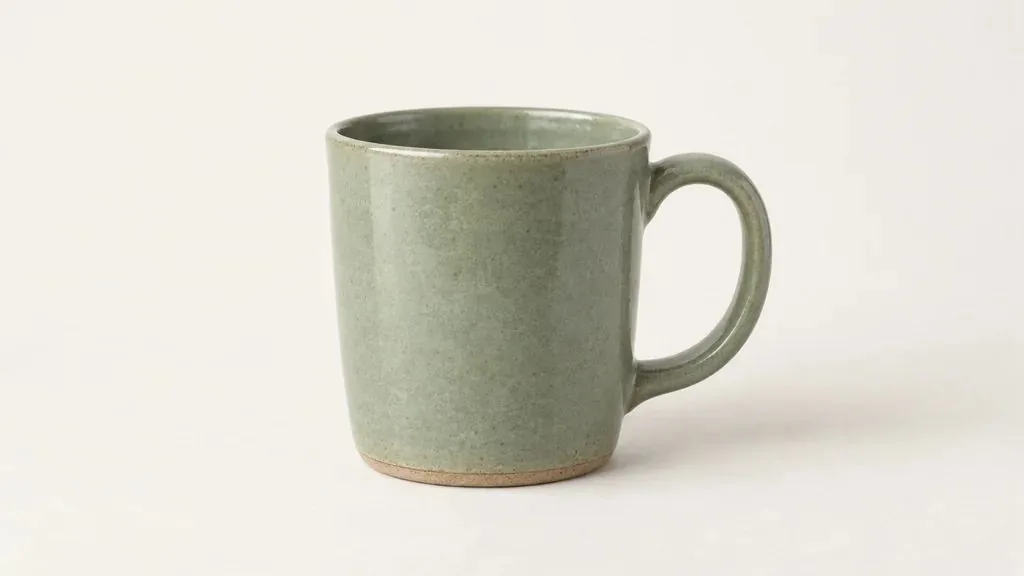
As supplied
- SKU
- MUG-SG-01
- Name
- mug sage 350ml
- Category
- Empty
- Capacity column
- 300 ml
- Photo
- 1
Suggested details
Typed fields, gaps left empty
- Category
- Home › Kitchen › MugsSuggested, from your tree
- Title
- Stoneware mug, sage glazeSuggested
- Material
- StonewareFrom the photo
- Color
- Sage greenFrom the name
- Dishwasher safe
- Left emptyNot in the file or the photo
- Microwave safe
- Left emptyNot in the file or the photo
- Capacity
- Needs reviewField not filled. 2 sources disagree.
- Capacity column: 300 ml
- Name: 350 ml
Your review
Your catalog
The record you read back
- Category
- Home › Kitchen › Mugs
- Title
- Stoneware mug, sage glaze
- Material
- Stoneware
- Color
- Sage green
- Dishwasher safe
- Left emptyNot in the file or the photo
- Microwave safe
- Left emptyNot in the file or the photo
- Capacity
- Needs review
Read back through the API or a file.
FAQ
Questions from e-commerce and D2C teams
Yes. Titles and descriptions can be generated and localized: a catalog supports 1 to 5 of 24 language codes, and English is required when AI processing is on. Youzu also maps products to your category tree and extracts the attributes your category defines, and enrichment can be reviewed before it is accepted.
No. Youzu works alongside your existing PIM, ERP, search and storefront; those systems stay authoritative for their own data. Youzu can also replace your PIM: products, variants and seller offers then live in Youzu as structured, reviewable records. You do not need a pre-built connector: send files or call the API, and read processed records back through the API.
Yes. Youzu Lens lets shoppers search your catalog with a photo: an upload, an image URL or an object detected in a photo. Matches can be exact, similar or broad, so shoppers can see which is which, and visual search works from your catalog's own product images, so products need images.
Yes. Products, variants and seller offers are separate records, so a product sold in several colors and sizes stays one product with its variants. Youzu reads short source text, such as an abbreviated title, into category, color and material, and leaves attributes the evidence does not support empty for your team to fill.
Yes. Magic Background removes a product's background or replaces it with a supplied image, a preset or a prompted scene, so a packshot can appear in a new setting. The 2D to 3D viewer builds an interactive 3D model from one or more product photos, and extra angles improve results. Always review results against the source photo.
Bring a sample of your catalog, your category tree and a few product photos. Evaluations start with a sample of your own catalog and expand to more workflows once the results are reviewed. You measure the results on your own sample, against your own labels, with critical errors reported separately.
Next step
Bring a sample of your catalog, your category tree and a few product photos.
Include a product sold in several colors or sizes, and the page where shoppers would search with a photo.