
Visualize
Virtual Try-On: let shoppers try your garments on themselves.
Youzu Virtual Try-On is an SDK and API for fashion e-commerce. Shoppers try a garment from your catalog on their own photo or on a preselected model, in less than 60 seconds, on your product page.
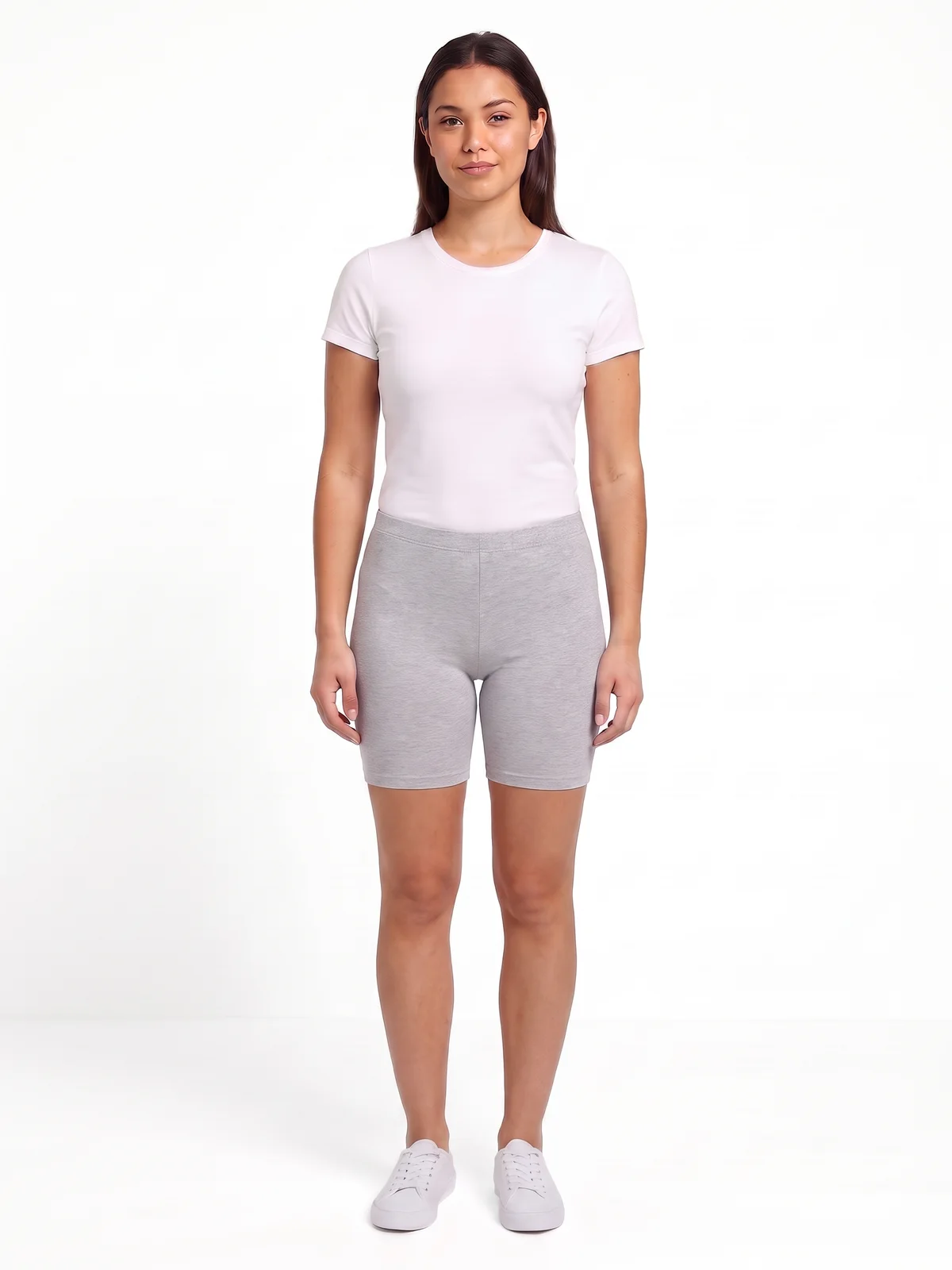 Before
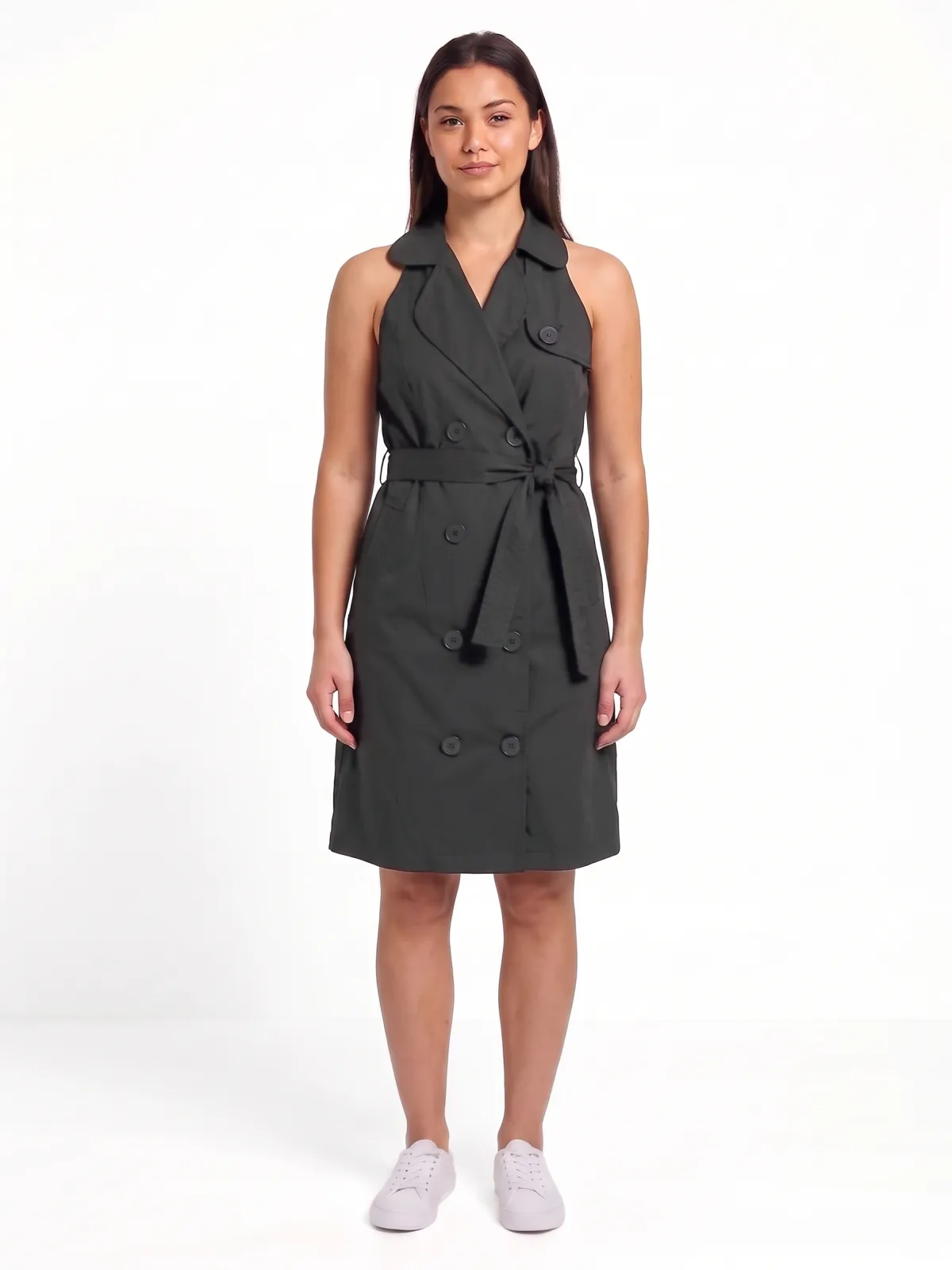 After
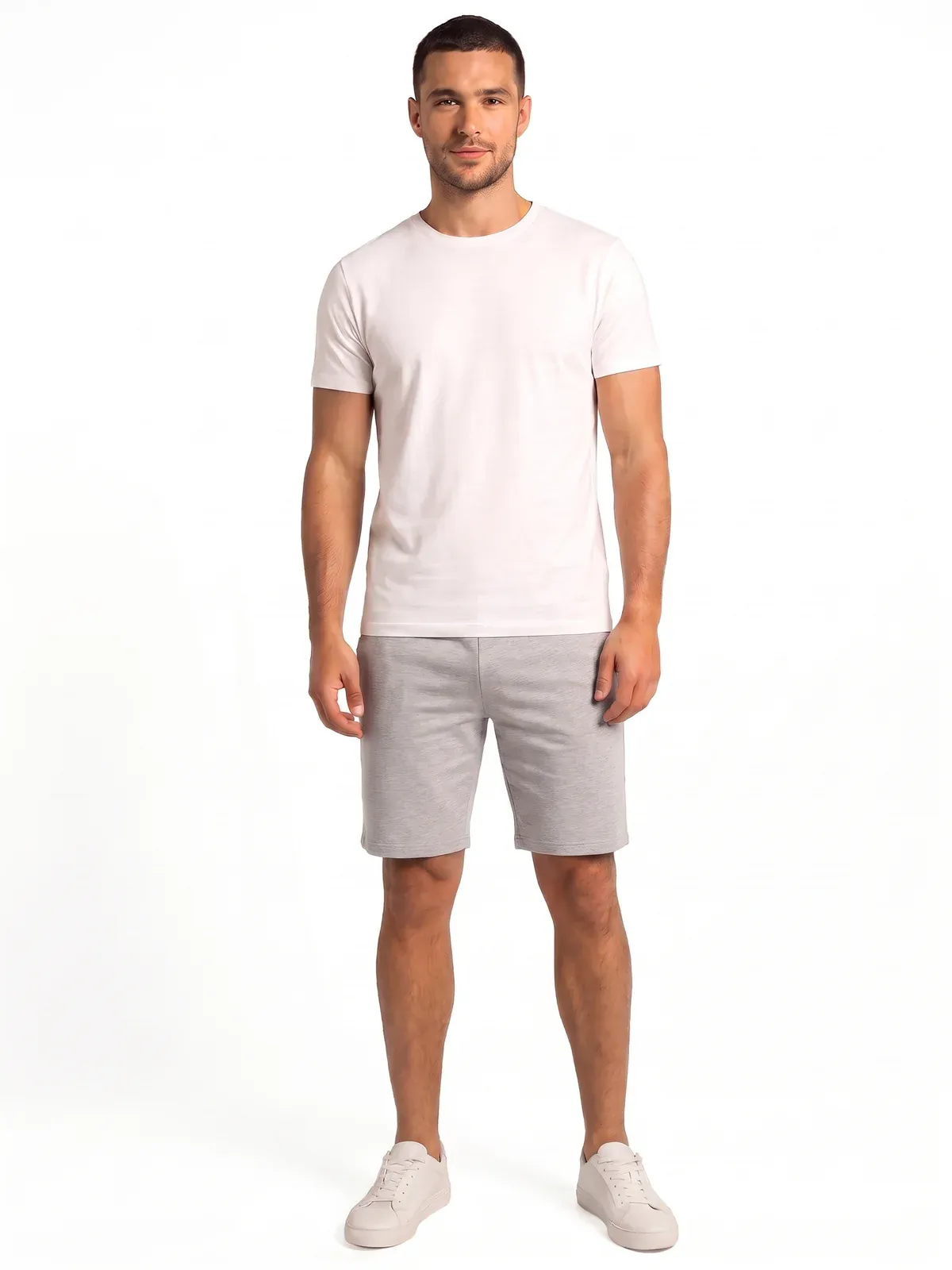
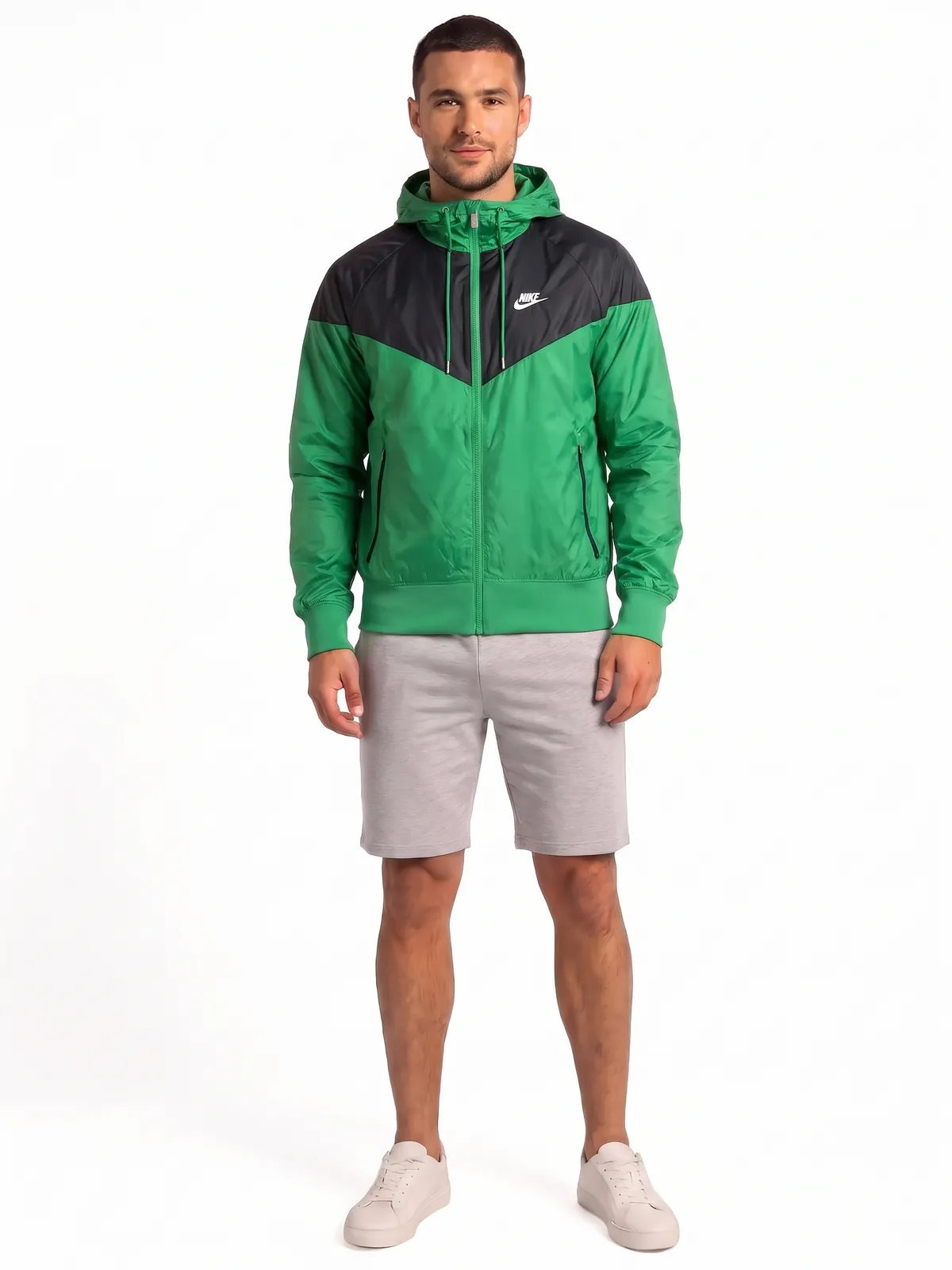
United Colors of Benetton Women Black Dress on an AI-generated model
Key points
- Use the SDK on your product pages, or the API in your own flow; both run on your catalog.
- See a garment on the shopper's own photo or on one of six preselected AI-generated models.
- Keep shoppers' photos private: a photo is used for its try-on only and deleted after 24 hours.
How it works
Step 1: Integrate.
Add the SDK widget to your product page with one script tag, or call the API from your own flow. Your catalog is the product source; nothing is uploaded twice.
Step 2: The shopper picks a photo.
Their own photo, or one of six preselected AI-generated models. Own photos are checked for a single, visible adult and kept for 24 hours only.
Step 3: See the garment on.
In less than 60 seconds the shopper sees the garment on that photo, with the garment's colour matched to your catalog image.
Related
See the documentation for authentication and request formats.
Questions buyers ask
Virtual Try-On lets a shopper see a garment from your catalog on themselves. On your product page they pick the garment, then their own photo or one of six preselected AI-generated models, and in less than 60 seconds they see a generated image of the garment on that photo, with the garment's colour matched to your catalog image. It is visual inspiration, not a fit check.
Both are available. The SDK is one web component you add to your product page with a script tag; it handles the photo, the models, the progress and the result. The API gives you the same try-on in your own flow: your server mints a single-use token per request, so your API key never reaches the browser. Evaluations start with a sample of your own catalog.
It is used for that try-on only. The photo is checked before anything is generated, stored without camera or location data, visible only to the shopper who uploaded it, and deleted 24 hours after upload together with the result. Youzu does not infer age, gender, ethnicity or size from it. This page's demo uses the preselected models only.
Garments that cover the torso or legs: tops, bottoms, dresses, outerwear, knitwear, sportswear, nightwear and loungewear, including coordinated sets sold as one product. Your catalog classifies every product at ingest, so the widget offers try-on only where it works; underwear, swimwear, hosiery, footwear, bags and accessories are left out.
No. The result is a generated image for visual inspiration, not a fit or size check. Youzu does not measure the shopper or the garment, so size has to be checked separately on the product page.