
Product Media
2D to 3D walkthrough
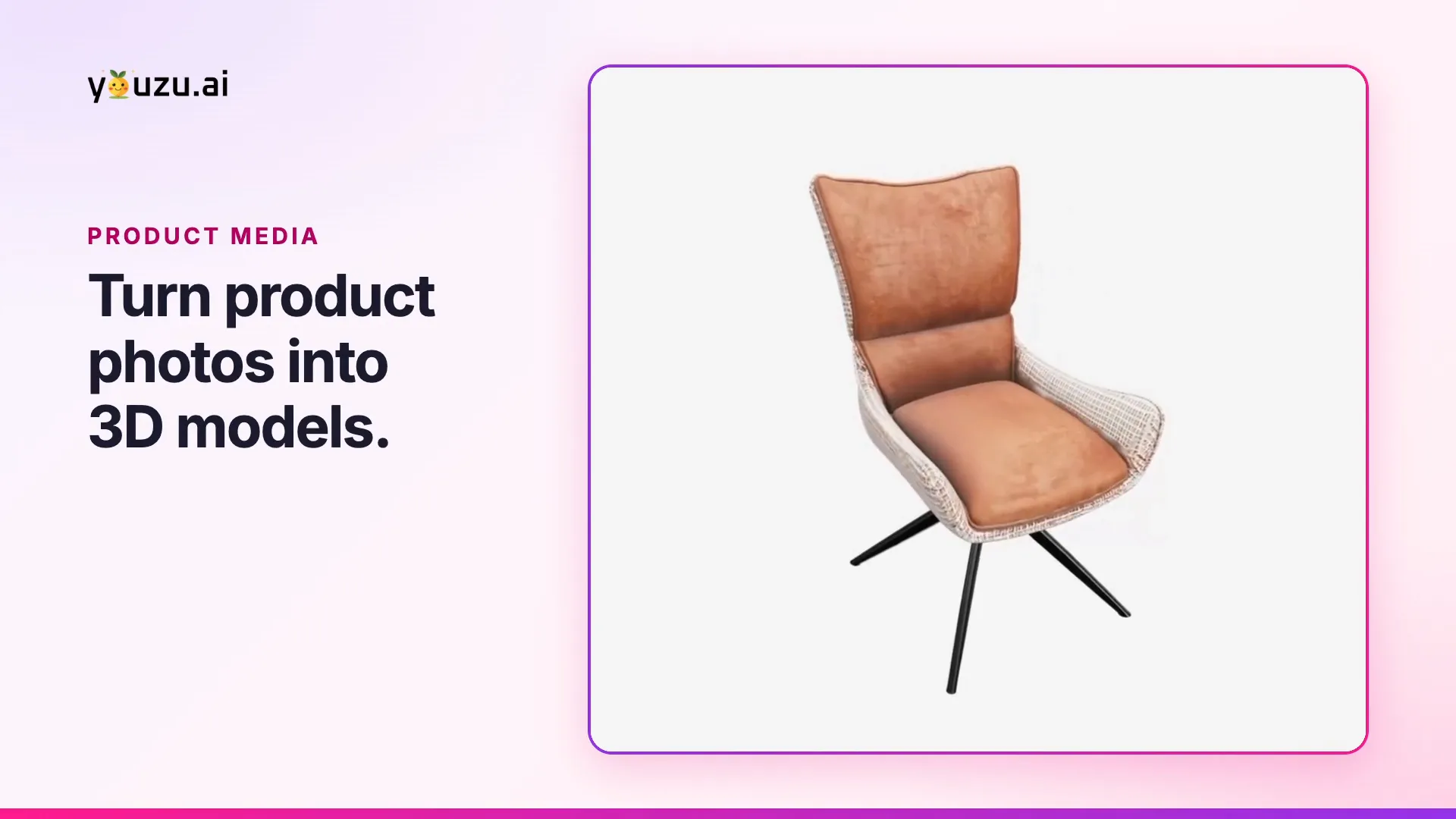
Youzu creates a 3D model from product images; in this recording 2 chairs turn in the 3D viewer to show their profile and back.
Transcript
- Convert product images into 3D models shoppers can explore. (Visual: Title card: Youzu Platform, 2D to 3D, Product images. Interactive 3D models., beside a carved wooden vessel turning in the 3D viewer.)
- Some product details need another angle. (Visual: A generation detail opens in the platform: a 3D model loads above 3 input photos of a gray chair.)
- Youzu creates a 3D representation from product images. (Visual: The gray chair appears as a 3D model, with lighting, brightness, exposure and background controls under it.)
- Rotate this chair to inspect its profile, arms and back. (Visual: The chair turns in the viewer to show its back, then its front.)
- Then explore a second model with a different shape. (Visual: A second chair, with a terracotta seat and a woven pattern on its shell, opens in the viewer.)
- The viewer gives shoppers more than a single fixed photograph to examine. (Visual: The second chair turns and comes closer: its seat, then its patterned back.)
- Give shoppers another angle on your products. (Visual: End card: the 2D to 3D title and the line More angles. More ways to explore., beside the gray chair in the viewer.)
- Explore Youzu's 3D viewer.
What the film shows
Key points
- See product photos become an interactive 3D model; extra angles improve results and hidden sides are inferred.
- Use the 3D viewer to rotate and zoom a product model.
- Start with clean, multi-angle product photos for the best results; supported categories are scoped with you.
Go further
The product this film shows, and where to read more.
- Product2D to 3DBuild a rotatable, zoomable 3D model from one or more product photos and show it in the browser. Extra angles improve results; hidden sides are inferred.
- ProductProduct MediaProduct Media builds 3D models from product photos and replaces product backgrounds with Magic Background. Extra angles improve 3D results.
More product films
Next step
Automate Commerce. Make shopping personal.
Bring your catalog, listing flow or shopping idea. Let's find the right place to start.
Book a demo
Tell us about your catalog and we will get back to you.