
Catalog Intelligence
Demo: messy data in, a clean product record out
This 14-second animation explains how Catalog Intelligence in the Youzu Platform handles one product: messy supplier data becomes one product record, the record is placed on one path in your category tree, and similar products sit close together.
Transcript
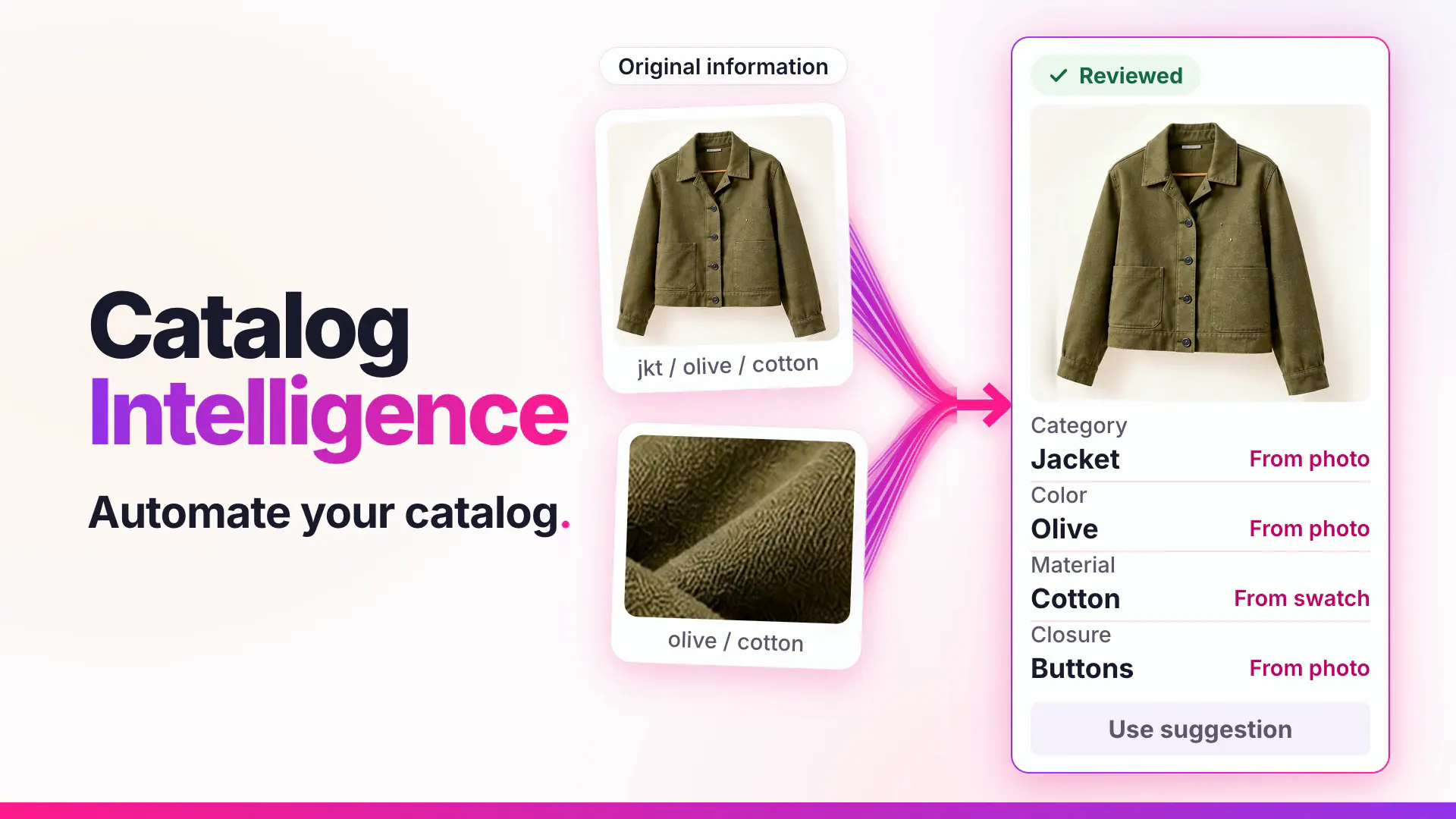
- Messy data in. (Visual: Under a Catalog Intelligence eyebrow, loose source fragments arrive: a photo tile of an olive jacket and 3 text chips, jkt, olive and cotton, under an Original information chip.)
- A clean product record out. (Visual: A record card marked Suggested appears beside the originals; ribbons draw into it, the jacket photo and 4 fields fill in, and the Category row carries the cue From “jkt”.)
- One path in your category tree. Home > Clothing > Jackets (Visual: A small category tree draws from Home through Clothing, Furniture and Lighting to their leaf categories; one path is highlighted and a round photo badge of the jacket lands on the Jackets node.)
- Similar products sit close together. (Visual: The tree gives way to a slowly turning point cloud with 4 clusters: Sofas, Jackets, Shirts and Lamps.)
- The new product joins its cluster. (Visual: The jacket badge becomes a point and settles inside the Jackets cluster.)
- See it with your catalog. Book a demo. (Visual: End card: a white card with a short gradient rule, the line, a Book a demo button and the Youzu logo.)
What the film shows
Key points
- See scattered supplier fragments become one product record, with the originals kept beside it.
- Place the record on one path in your own category tree.
- See how similar products sit close together, and where the new product lands.
Go further
The product this film shows, and where to read more.
- ProductAutomatic categorizationMap every product to your category tree: a category you supply skips inference, a parent limits the choice and unresolved categories are not guessed.
- ProductDuplicate detectionPrecision-first duplicate matching: listings stay separate unless they can be shown to be the same product, and uncertain cases can go to review.
- DocumentationCatalog overviewCreate a catalog and choose how products get in. (on docs.youzu.ai)
More product films
Next step
Automate Commerce. Make shopping personal.
Bring your catalog, listing flow or shopping idea. Let's find the right place to start.
Book a demo
Tell us about your catalog and we will get back to you.